1. Go to www.sd44.ca – click on Portal

2. Log in using your username and password

3. Select file and Download to your computer to work on it.
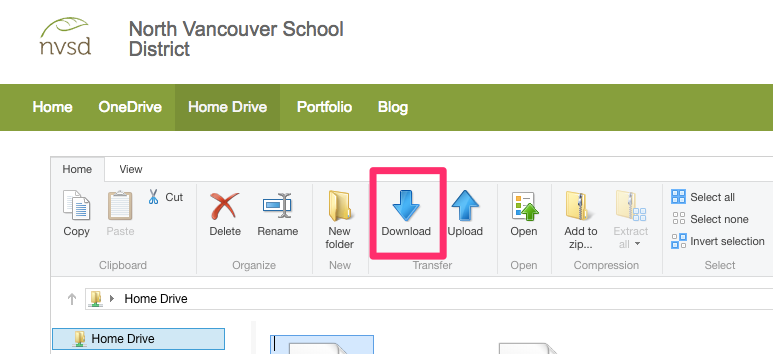
4. When you are done making changes, you must Upload the file back to home folder.


1. Go to www.sd44.ca – click on Portal
2. Log in using your username and password
3. Select file and Download to your computer to work on it.
4. When you are done making changes, you must Upload the file back to home folder.